



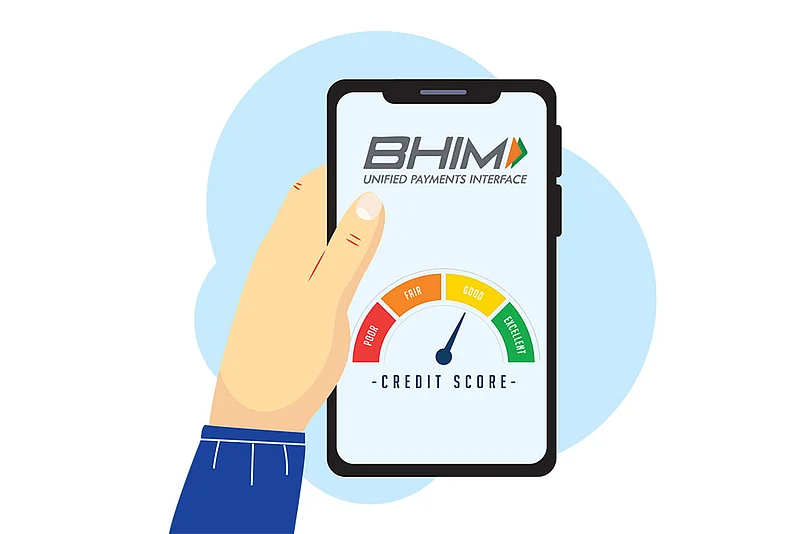

Unified Payment Interface (UPI)users can now access their CIBIL Score and CIBIL Credit Information Report (CIR) directly from the BHIM Payments App. This feature was rolled out in collaboration with TransUnion CIBIL and NPCI BHIM Services (NBSL).
Along with credit score, users can also check their repayment history, active credit accounts, and recent requests for credit in the same app.
This facility is based on the consent-first model, which means that credit information can be accessed only after the user grants permission.

2 November 2026
Get the latest issue of Outlook Money

Step-By-Step Process To Check Your CIBIL Score
1. Update the BHIM Payments App to the latest version (V 4.0.19 or above).
2. Log into the BHIM app using your MPIN and find the CIBIL Score or Credit Information section.
3. Tap on the option to access your credit details.
4. Review the consent terms and conditions carefully and approve the request.
5. Once verified, your CIBIL Score and credit summary will appear on the screen.
6. You can also access the CIR for more details on credit history.
What To Keep In Mind
Credit information is accessed only after users provide explicit consent.
Users can monitor their credit profile along with other features.
These include Spend Analytics and P2P Splitting
Users can check their CIBIL score free of cost on the app.
Repeated self-checks do not affect the credit score, as they are treated as soft enquiries.