





Summary of this article
The government’s Ayushman Sarathi WhatsApp chatbot lets eligible PM-JAY beneficiaries apply for an Ayushman Card from home.
Users can check eligibility, complete eKYC, link Aadhaar, and track or download their card through the chatbot flow.
The official WhatsApp number must be used carefully to protect sensitive personal and Aadhaar details.
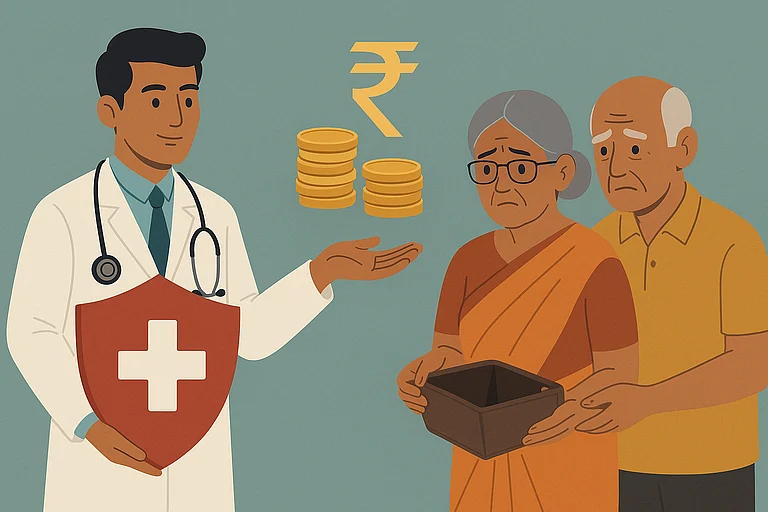
If you are eligible for the Ayushman Bharat–Pradhan Mantri Jan Arogya Yojana (AB-PMJAY), you can apply for an Ayushman Card through WhatsApp. The Public healthcare scheme offers Rs 5 lakh annual health insurance to the beneficiaries, including all resident Indian senior citizens aged 70 and above. Earlier, one could apply for the scheme through the web portal, but now one can apply for the Ayushman card through a WhatsApp chatbot, ‘Ayushman Sarathi’, launched recently by the government.
Earlier, eligible applicants and beneficiaries had to visit the Common Service Centres (CSCs) or a government office or contact the call centres to get information or manage their healthcare benefits, but with the new chatbot, they can avail of the services 24/7 from the comfort of home. The idea is to make the scheme accessible, fast, and convenient for users.
The Chatbot is easy to navigate to the web portal or the app, and avail of a range of features, such as checking eligibility, applying for a new Ayushman card, tracking the status of an already applied card, redoing eKYC, linking Aadhaar, or even locking/unlocking the PMJAY card, among various other options.

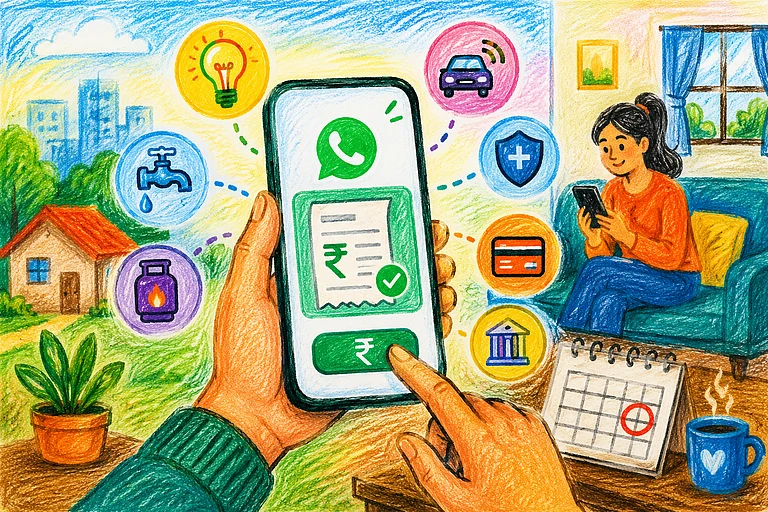


How To Apply For Ayushman Card On Ayushman Sarathi WhatsApp Chatbot?
Step 1: To begin with, users must save the official Ayushman Sarathi WhatsApp number, +91 72908 23838, to their mobile contacts.
Step 2: Send a simple "Hi" or "Hello”, to initiate a conversation with the chatbot.
Step 3: A menu of available services will display. Click on “Choose Service”. A new window will open showing various options. Select the options to My Ayushman Card > Apply for PMJAY card, and ‘Submit’.
(If you already have a card, you can download, redo eKYC, link Aadhaar, or even lock/unlock PMJAY card through this chatbot, among various other options)
Step 4: For further action, the chatbot directs to the web portal or the Ayushman App. Select the option (web portal link or App link) you are comfortable using.
Step 5: Log in with your registered mobile number and Aadhaar details. An OTP will be sent to your registered mobile number.
Step 6: Follow the on-screen instructions to complete eKYC, after which the Ayuhsman card can be generated and downloaded within the WhatsApp chat.
In some cases, additional verification may be required, so while using the features, make sure that all the entered details match the genuine records. Keep the records by your side to avoid a delay or a log out from the application.

The WhatsApp-based chatbot makes accessing the app or portal convenient. Senior citizens can also use the Sarathi chatbot easily to apply for or download their Ayushman Vay Vandana cards.
However, while using the chatbot, users must ensure that they share information only on the official WhatsApp number +91 72908 23838 (Ayushman Sarathi), as the verification involves sharing sensitive information.
Once the card is downloaded, keep a digital and a printed copy ready for hospital visits.