





Summary of this article
Scammers may exploit frozen screens to gain access.
Malicious apps can monitor SMS and notifications.
Report compromised banking information immediately through 1930.
A smartphone that freezes all of a sudden after clicking on an online advertisement or any unfamiliar link may seem like a harmless problem. What one might miss is that such incidents can sometimes be a part of a larger fraud attempt.
As per a report by NDTV, cybersecurity experts reveal that scammers use such glitches to create panic and manipulate users into giving them access to their devices, from which they seek device intel and financial information. The scam typically begins with social engineering through messages. Sending alerts, notifications, or calls that any individual will definitely respond to. After that, the scammers reach out posing as technical staff, who will ‘solve’ this problem that has developed on the phone.
How Does The Scam Play Out?
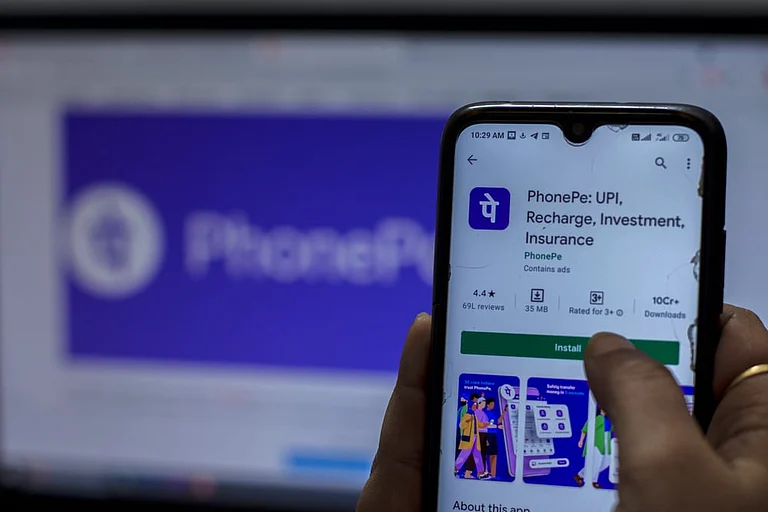
The victim here will be asked to download the said application, which is often presented as a verification, cashback, rewards and customer-support tool. Once that is installed, the application can ask for several permissions on the phone. These permissions can include access to notifications, SMS messages and other accessibility features. Such access can allow the malicious apps to monitor activity. In some cases, interacting with the screen is also possible. The threat here is particularly serious for digital payment users, because scammers do not have to break UPI’s security systems. In these cases, they target the interface of the device and keep a watch, since they have many of the permissions allowed, lack of access is not a barrier either.

Here’s What To Do?
If you face any such instance, users should avoid entering banking credentials or UPI PINs. Disconnecting mobile data and Wi-Fi can help further limit the access scammers have until the users assess the situation better. Users should also review the recently installed applications, remove suspicious apps and disable unnecessary access apps have. A trusted step towards securing the device would be to scan it.
What To Do If Banking Information Is Compromised?
If the banking details are compromised, users must contact the banks through official customer service channels. They must also review recent transactions and change important credentials using a clean device. In case the suspicion is valid and the user is under threat, they must report the incident with proof immediately through the Indian cybercrime helpline 1930.